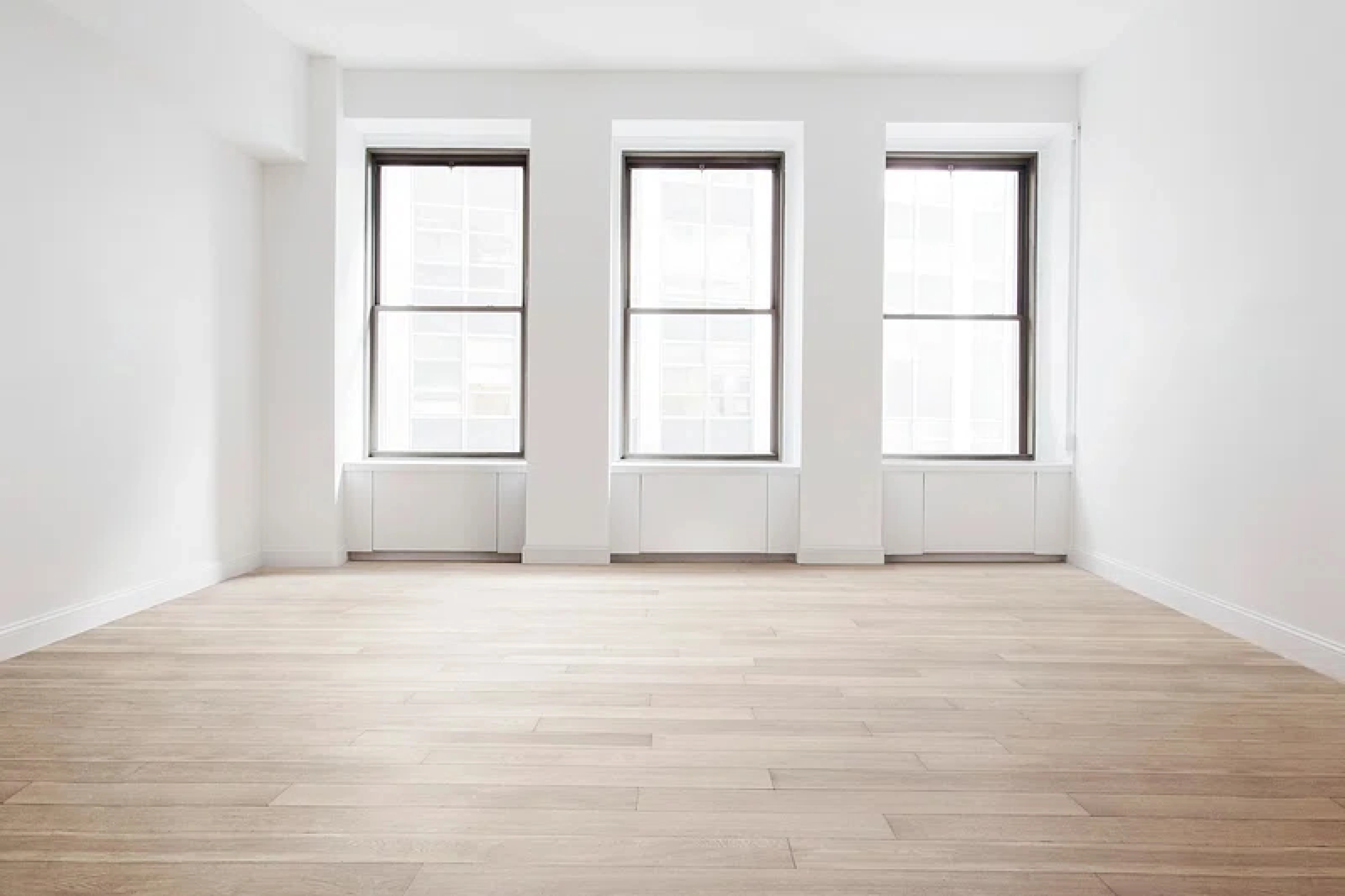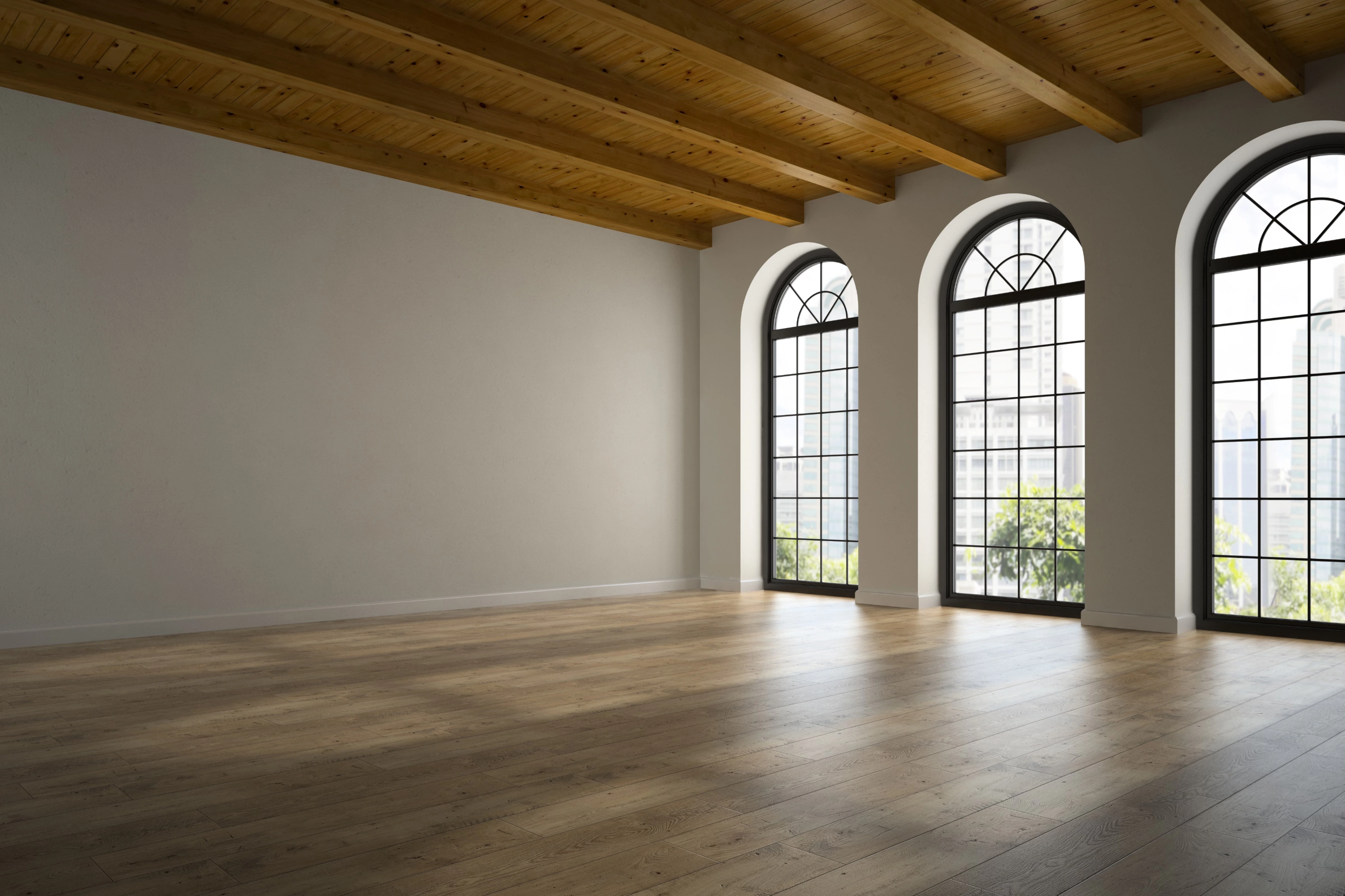
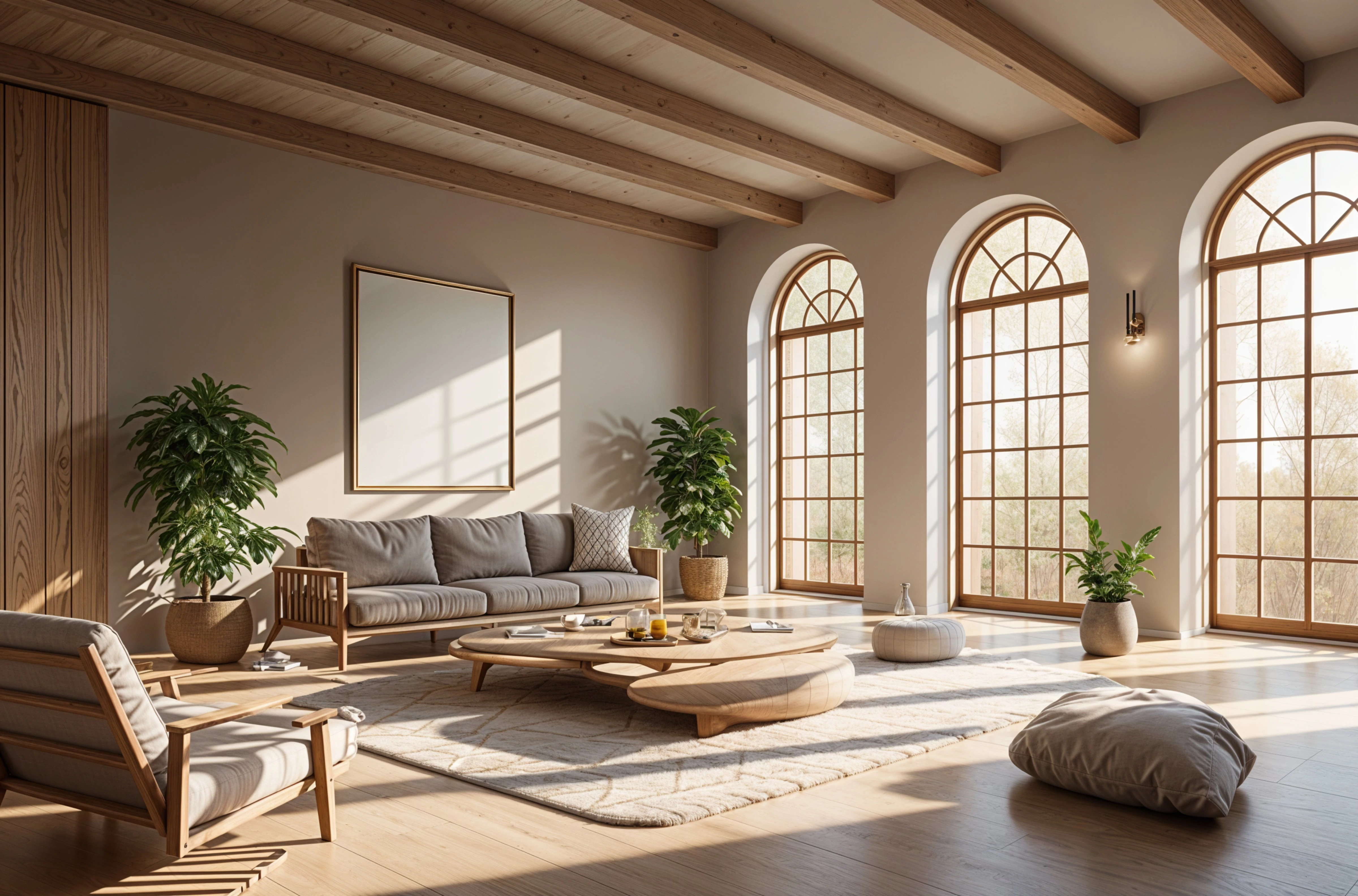
Your room, redesigned before you buy a thing.
Upload a photo of a room you live with. Try new styles on it, compare before and after, and keep the designs worth building.
One photo, any style.
Living rooms, bedrooms, kitchens, baths and exteriors, in dozens of styles. The same room, six ways:
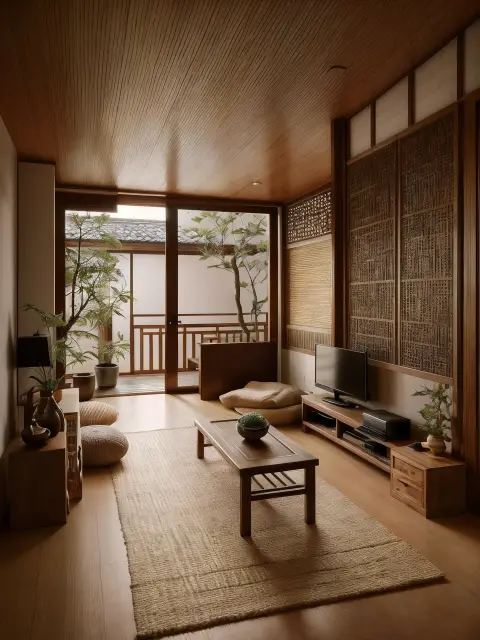
Japandi Oak and linen 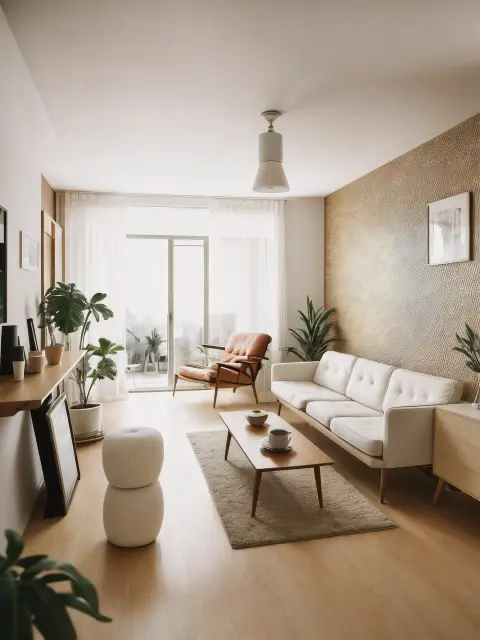
Mid-century Walnut and wool 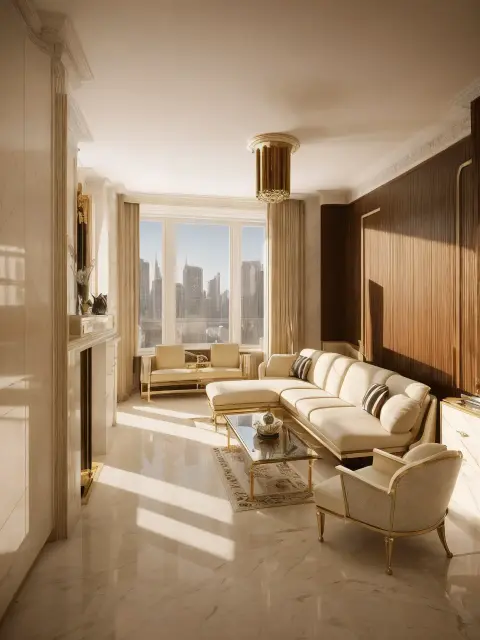
Art deco Brass and velvet 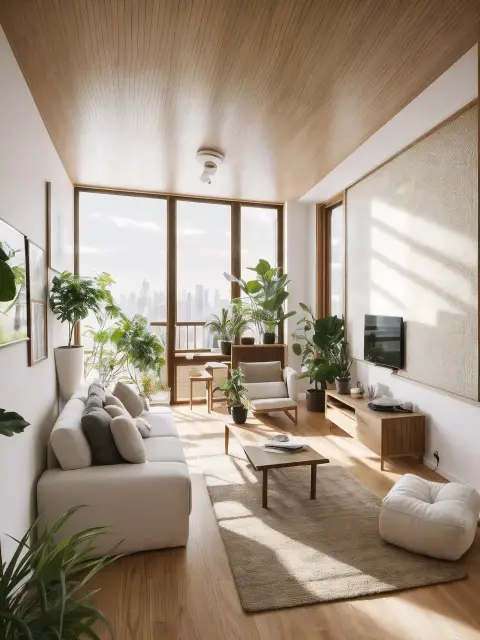
Biophilic Plants and light 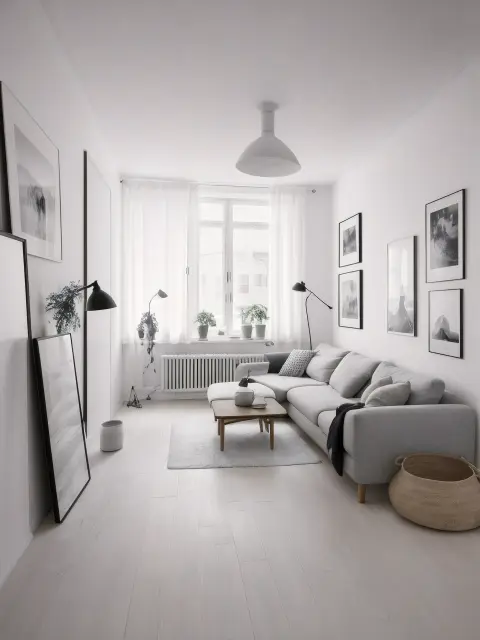
Scandinavian Pale wood 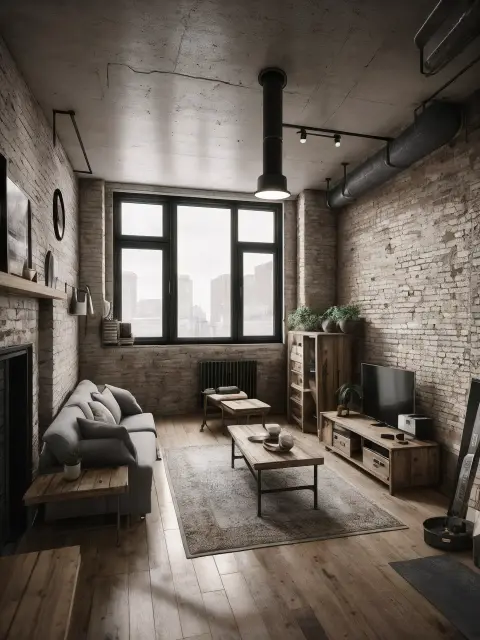
Industrial Brick and steel
Keep the room. Change the feeling.
Every design starts from your photo, so you judge new ideas against the walls, windows and light you already live with.
-
Upload a photo
Any room, or the front of the house. A straight-on shot with the lights on works best.
-
Choose a style
Pick the room type and a direction: Japandi, coastal, art deco and dozens more.
-
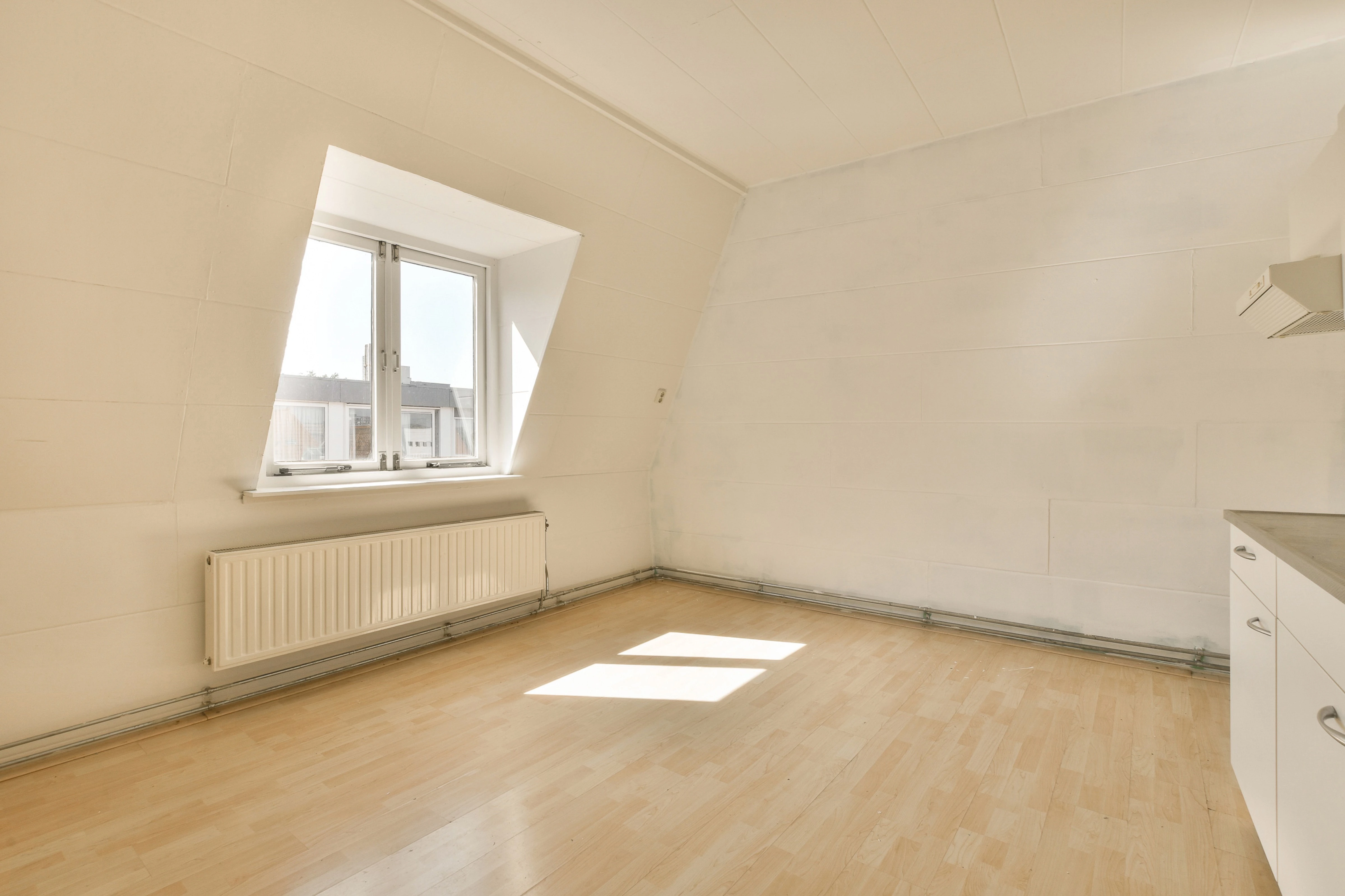
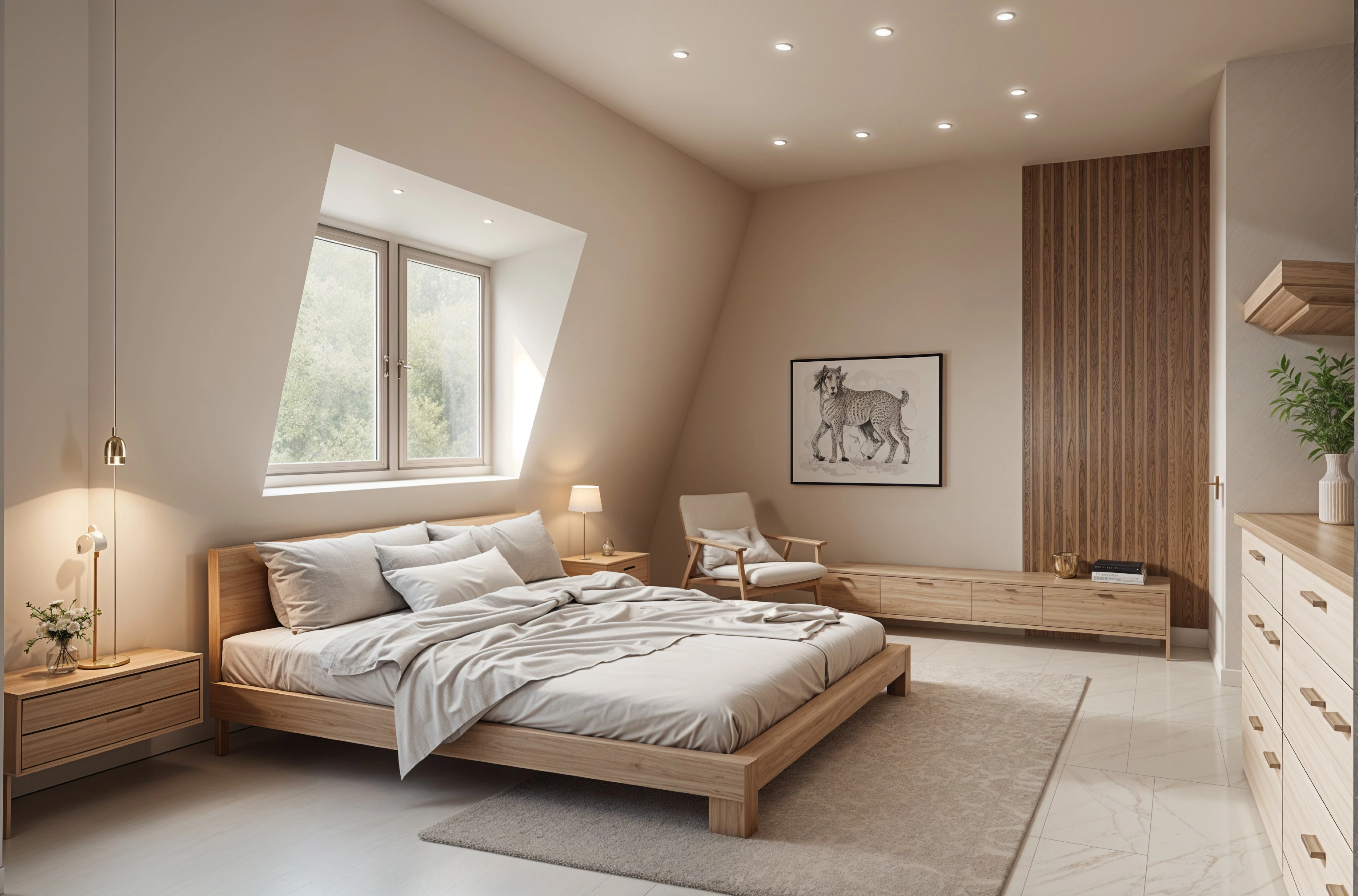
Compare before and after
Drag the slider across your room. Try another style, or refine the one you like.
-
Keep the best
Save and download your favorite designs for planning, shopping or briefing a contractor.
Start with Remodel. Go further when you need to.
Most people only need Remodel. The other tools are there for precise changes, blank-slate ideas and finishing touches.
Remodel
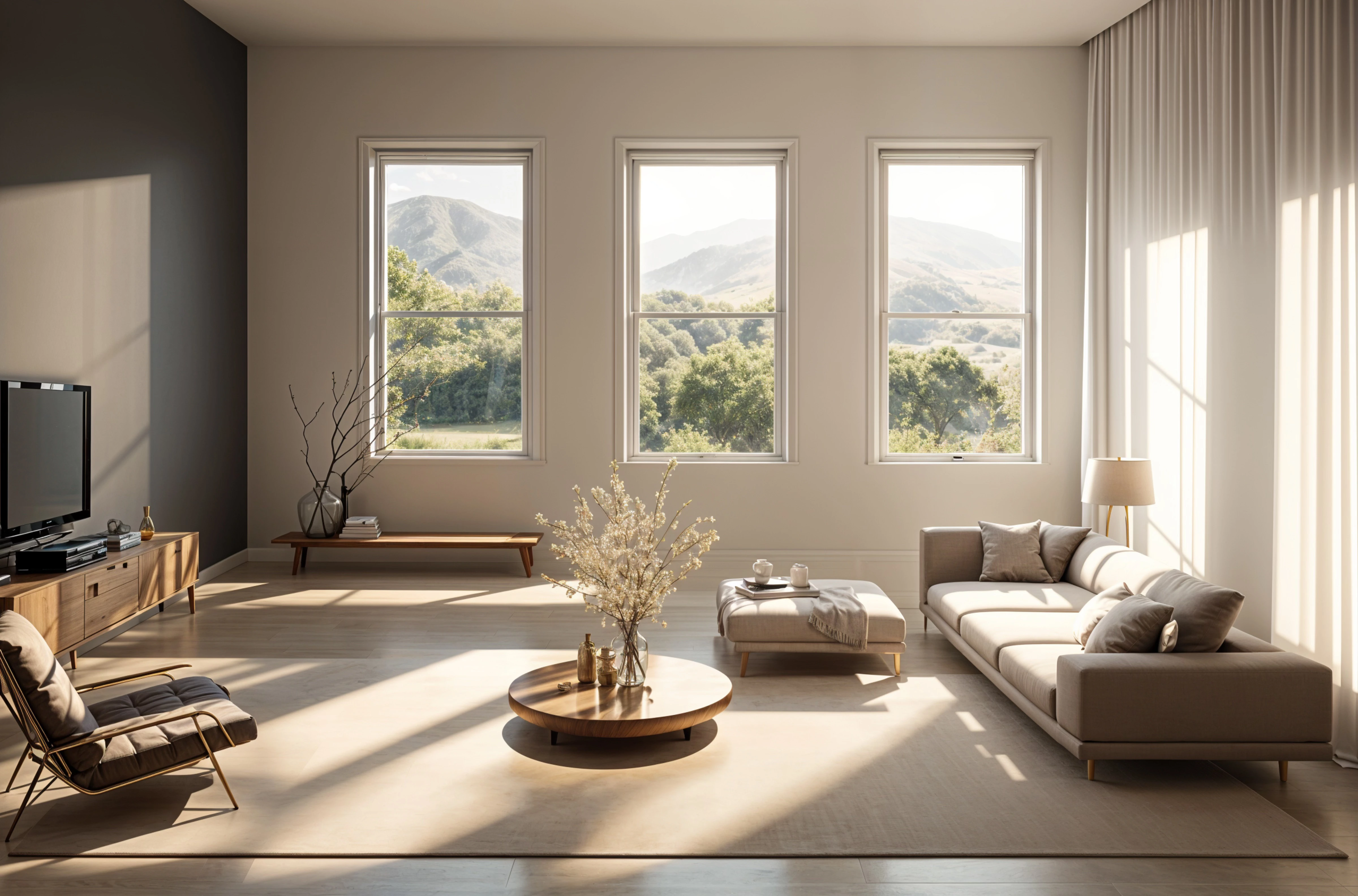
Start here Upload a room or the front of your house, pick a style, and get designs of the space you actually have. Upload a room or the front of your house, pick a style, and get designs of the space you actually have. Redesign a room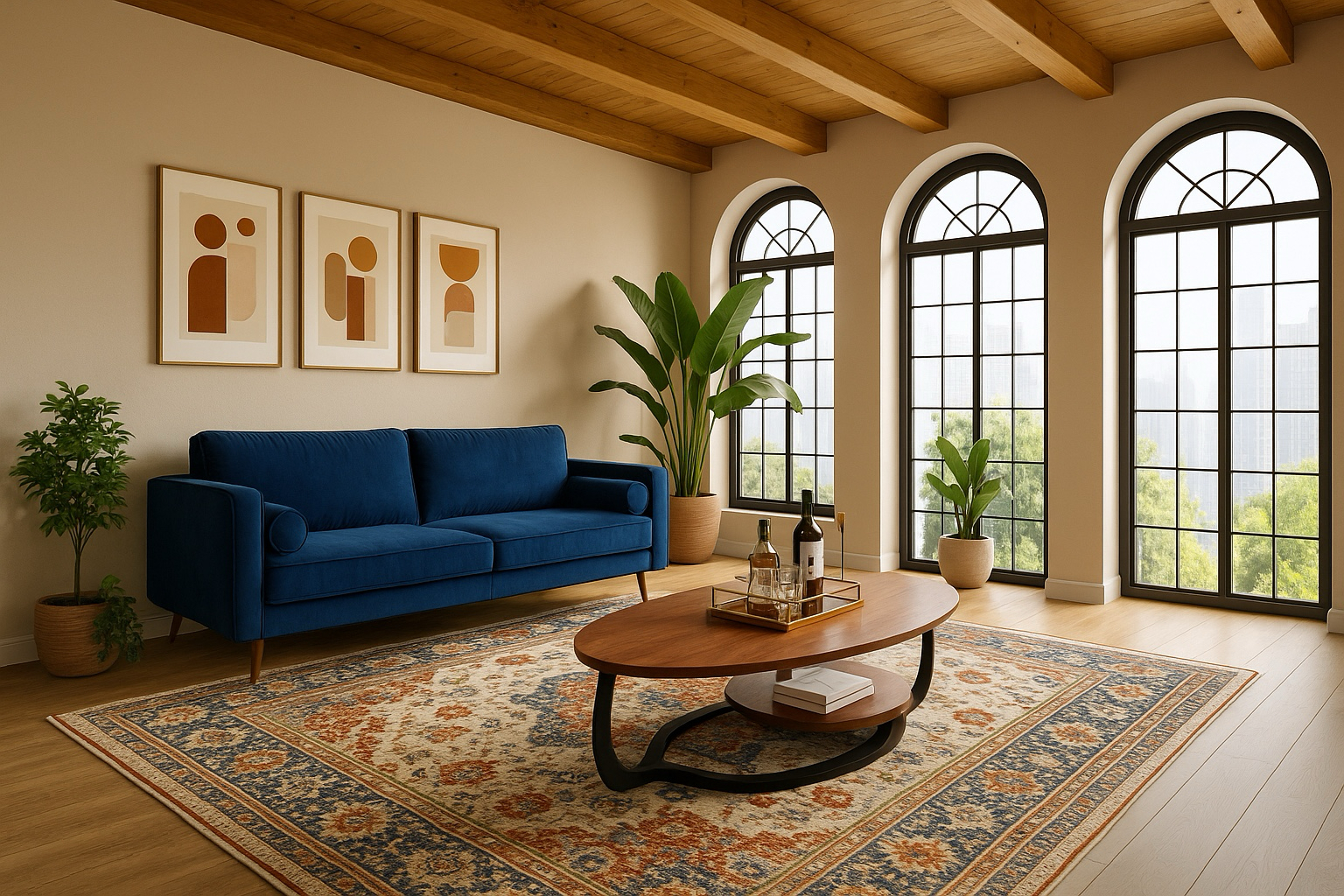
Edit
Paid plans Change one thing (the sofa, the floor, a wall color) and leave the rest of the room alone. Change one thing (the sofa, the floor, a wall color) and leave the rest of the room alone. Make a change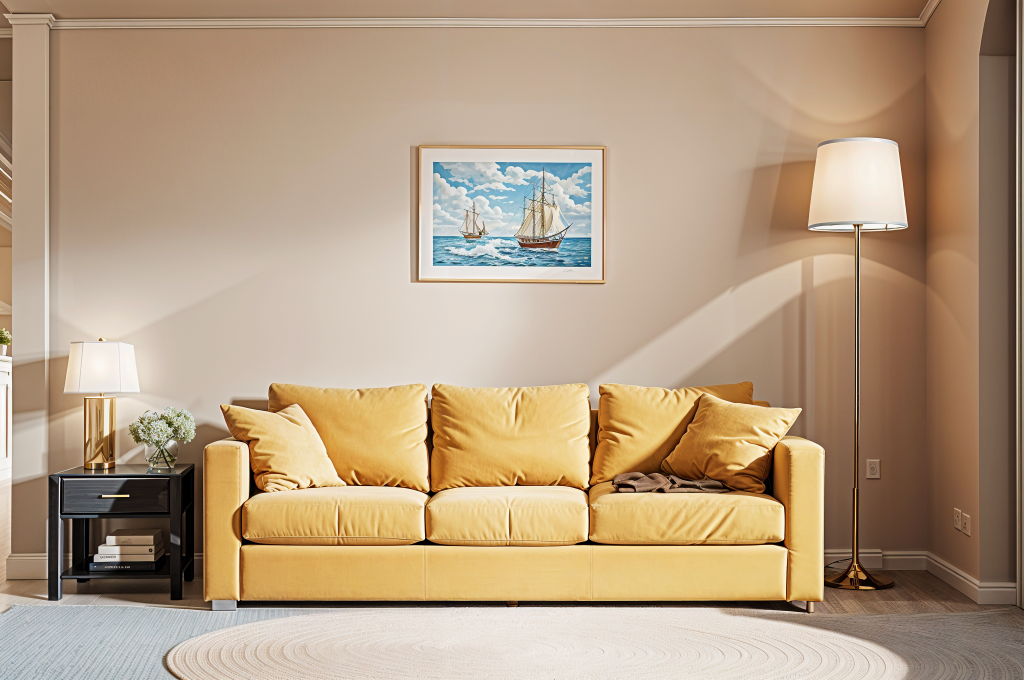
Brush
Paid plans Paint over an area and say what goes there, or remove it. Paint over an area and say what goes there, or remove it. Paint an area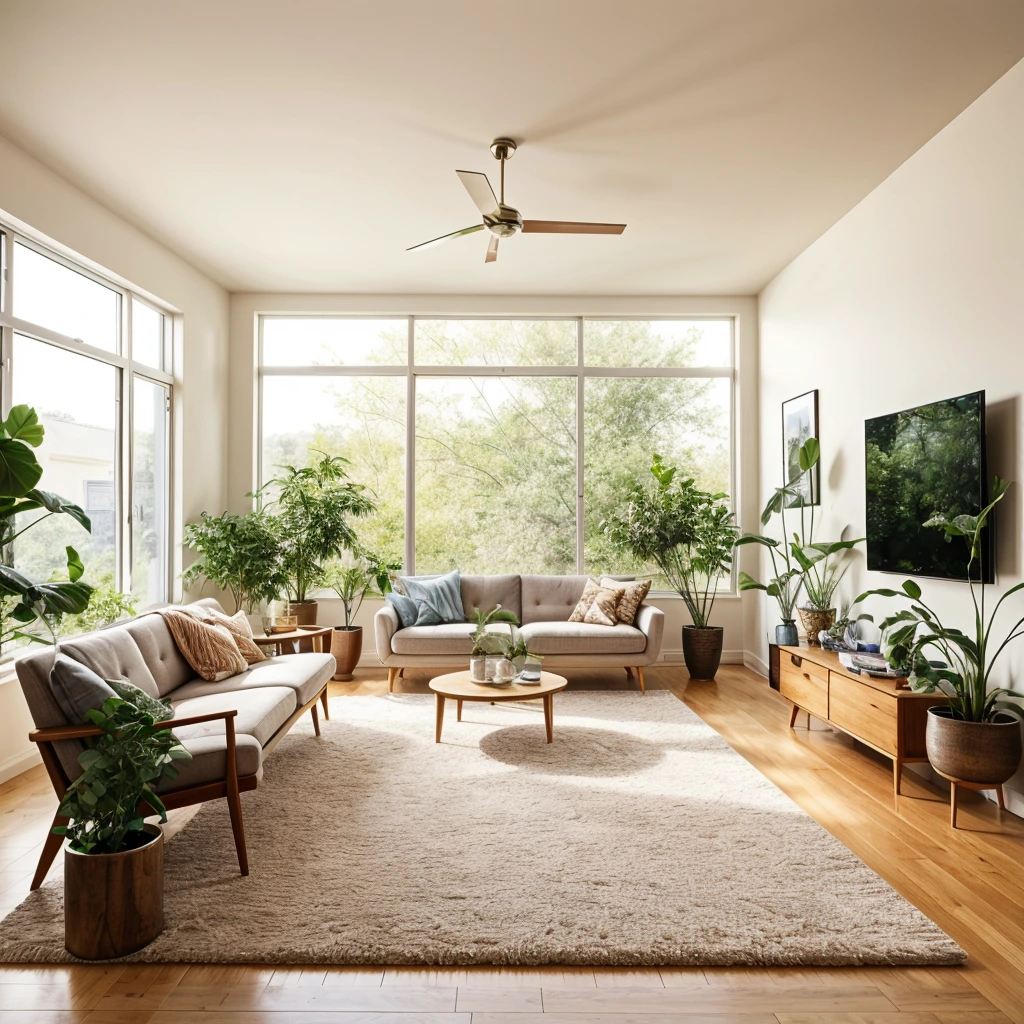
Imagine
Plus and Pro plans Describe a room that doesn’t exist yet and generate concepts from scratch. Describe a room that doesn’t exist yet and generate concepts from scratch. Imagine a room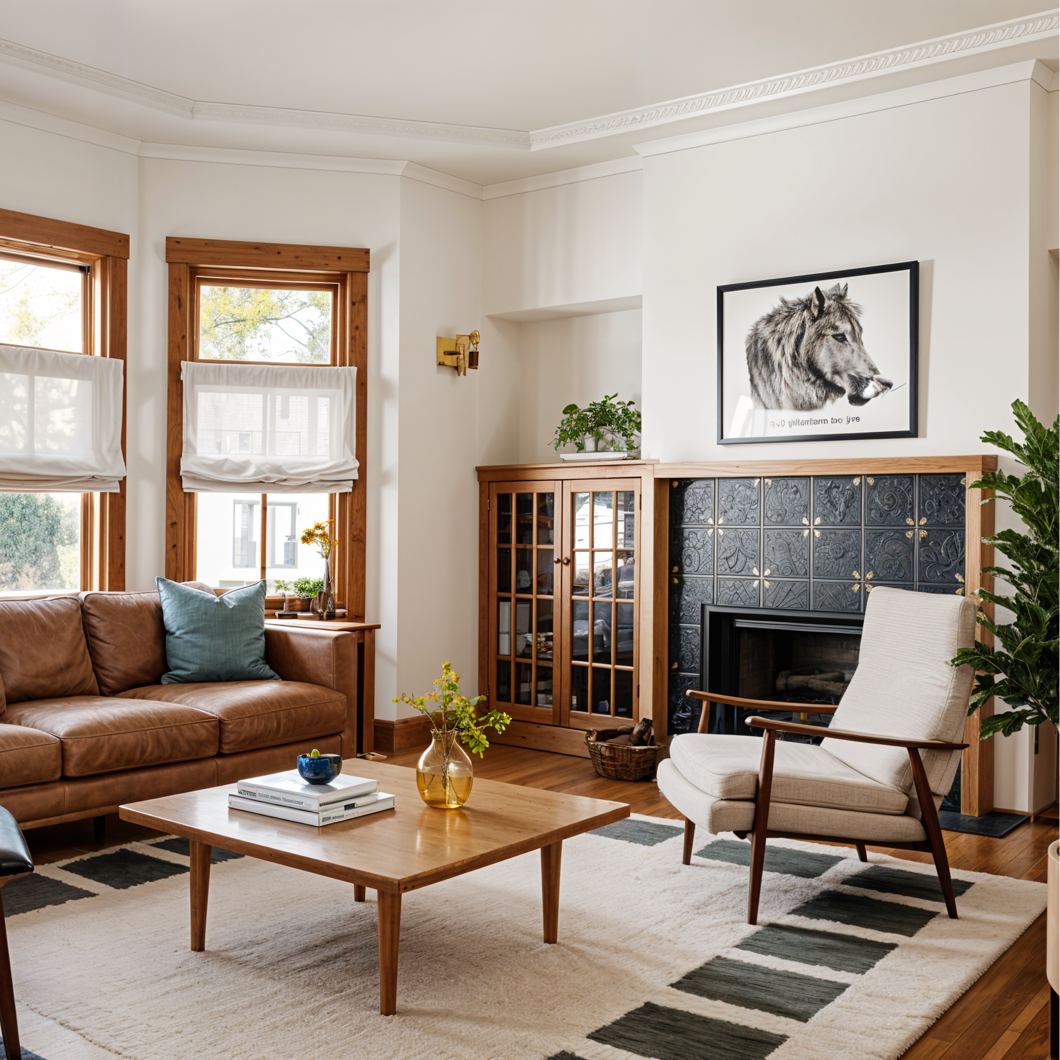
Enhance
Sharpen a design or photo into a cleaner, larger file worth keeping. Sharpen a design or photo into a cleaner, larger file worth keeping. Sharpen a design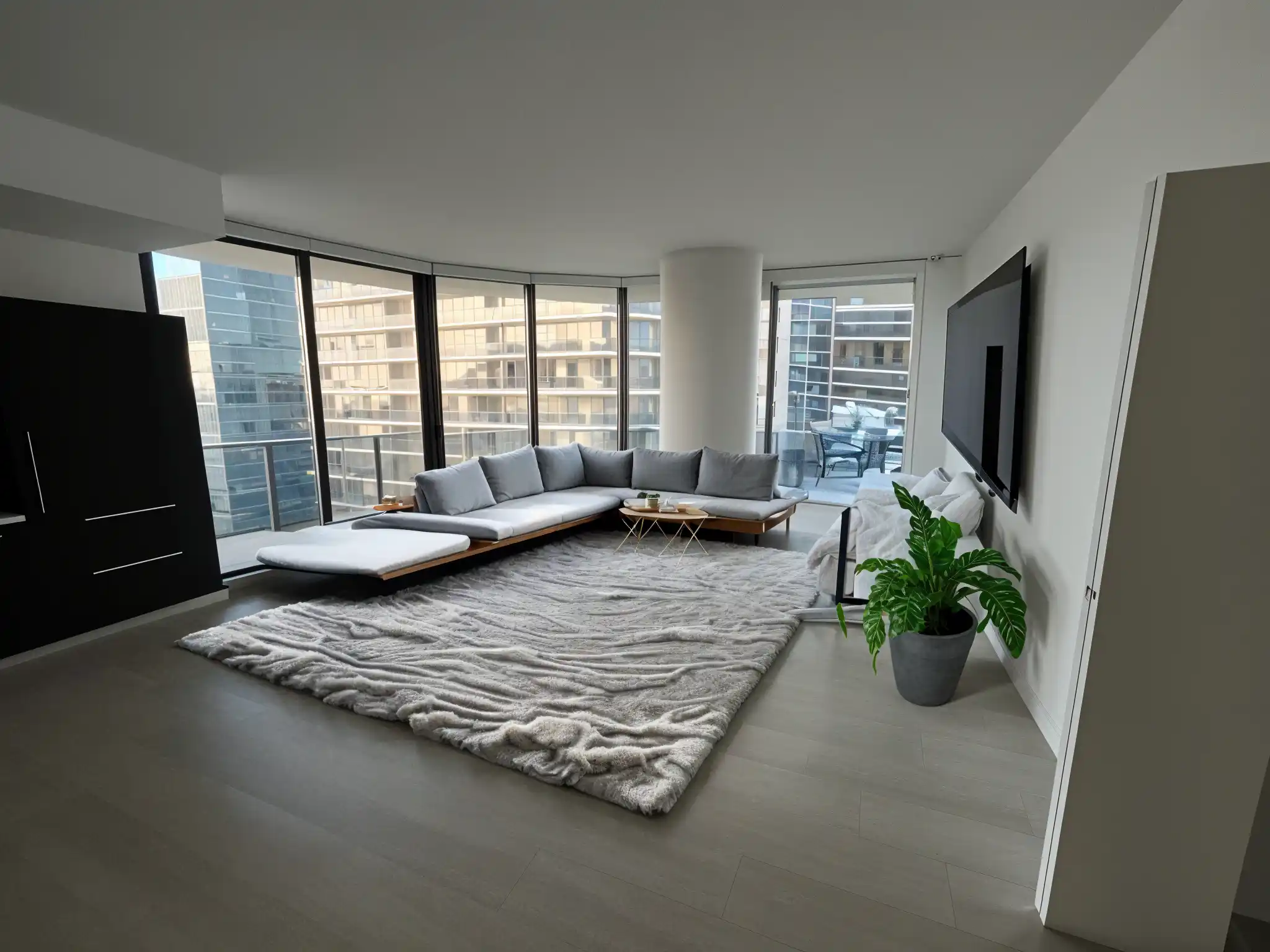
Stage
Furnish an empty room so buyers and guests can picture living in it. Furnish an empty room so buyers and guests can picture living in it. Stage a room

Remodeled AI for iPhone
Redesign the room you’re standing in.
Take the photo, redesign it on the spot and carry your designs into the showroom. Sign in with the same account on both.
Download on the App StoreA plan for one room, or every room.
Every plan comes with credits. On Pro, everyday designs don’t use any. Cancel any time from your account.
Loading plans…
Want the full comparison? See pricing
Loading questions…
Your room has more than one version of itself.
Upload a photo and see a few of them tonight.