Pick the tool for the job.
Most projects start with Remodel: upload a room photo and try new styles on it. The other tools handle single changes, ideas, empty rooms and finishing touches.
What each tool is for
 How Remodel works
Remodel
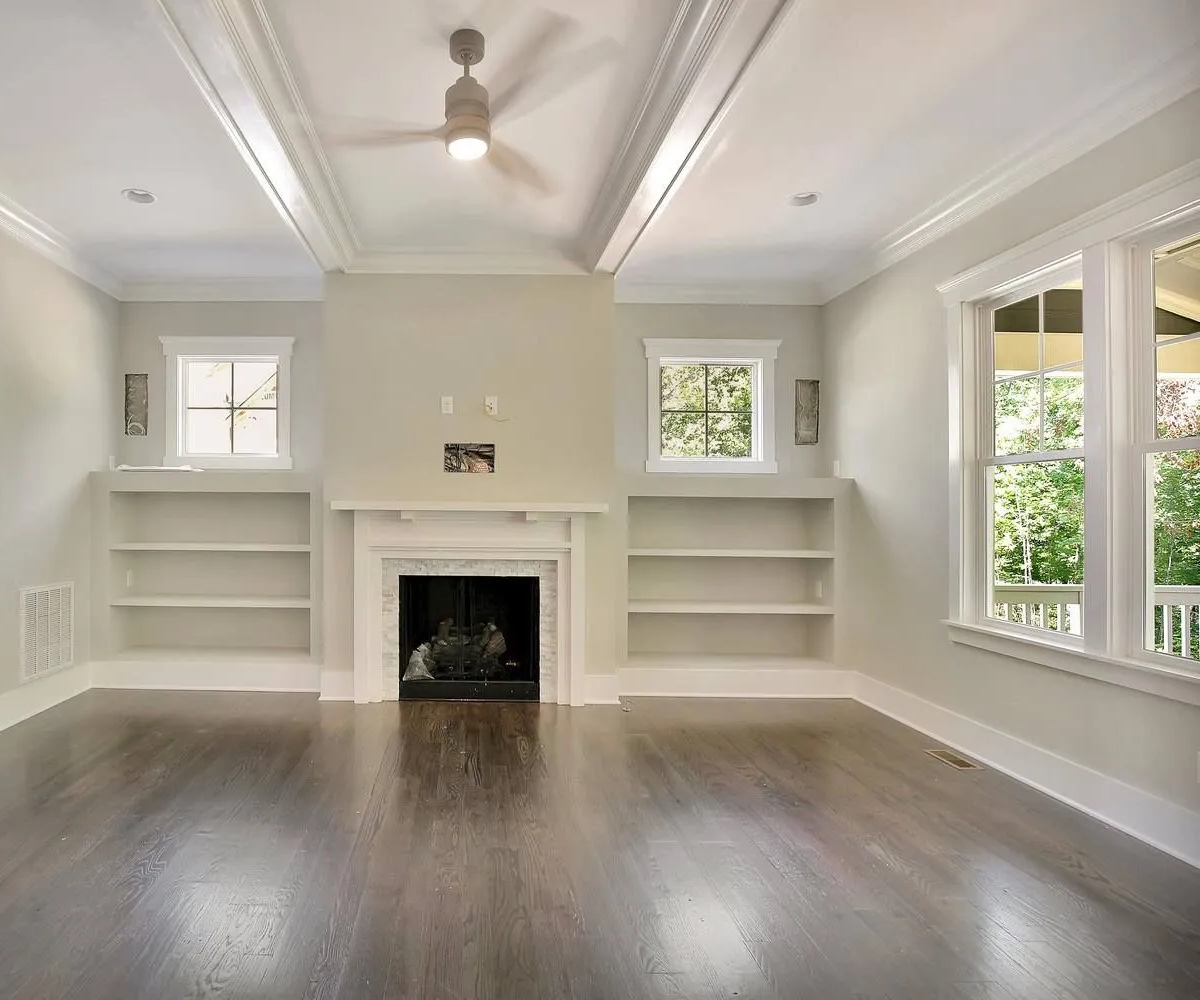
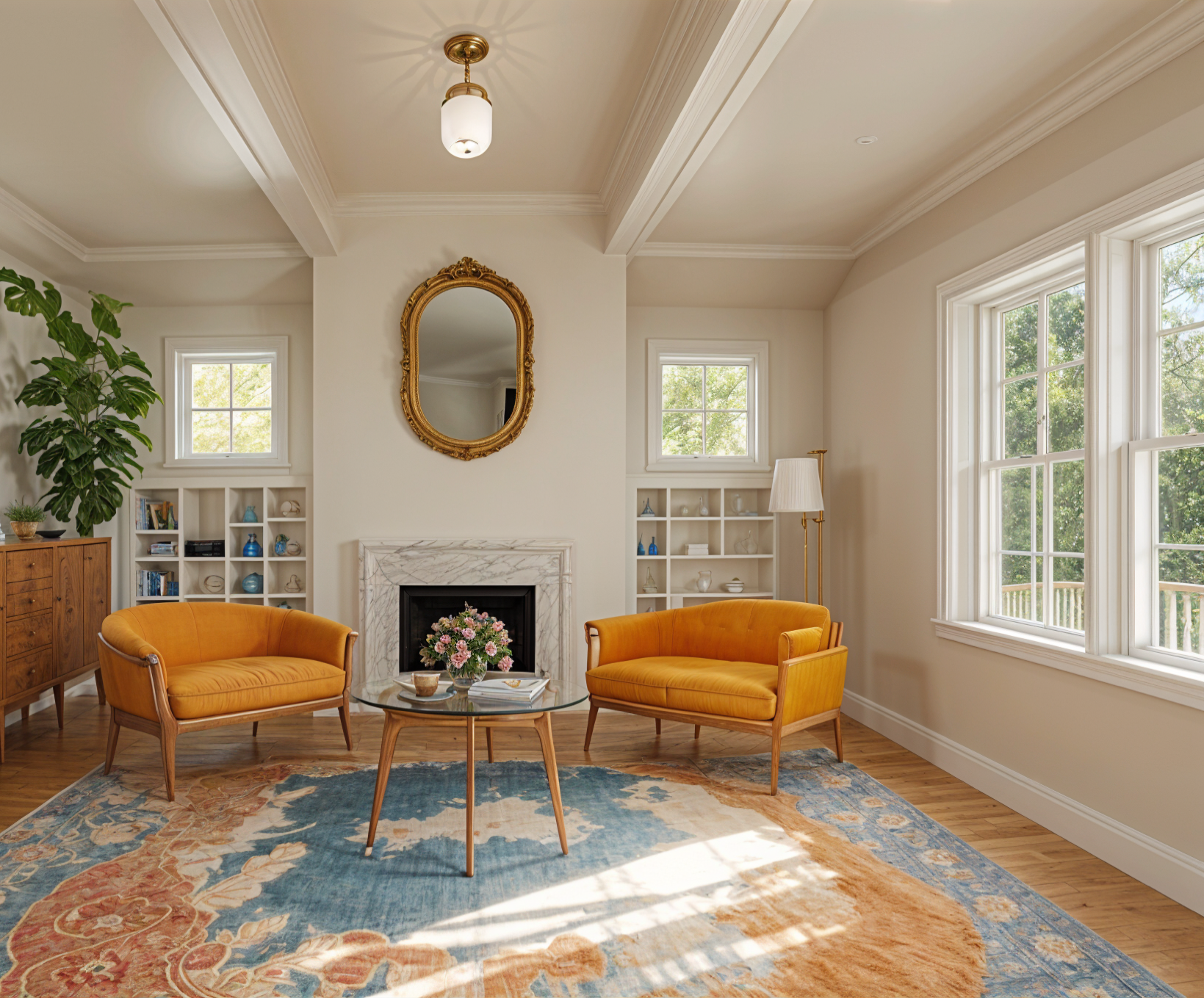
Redesign a room you’ve photographed in a new style, inside or out.
Starts from a room or house exterior photo
How Remodel works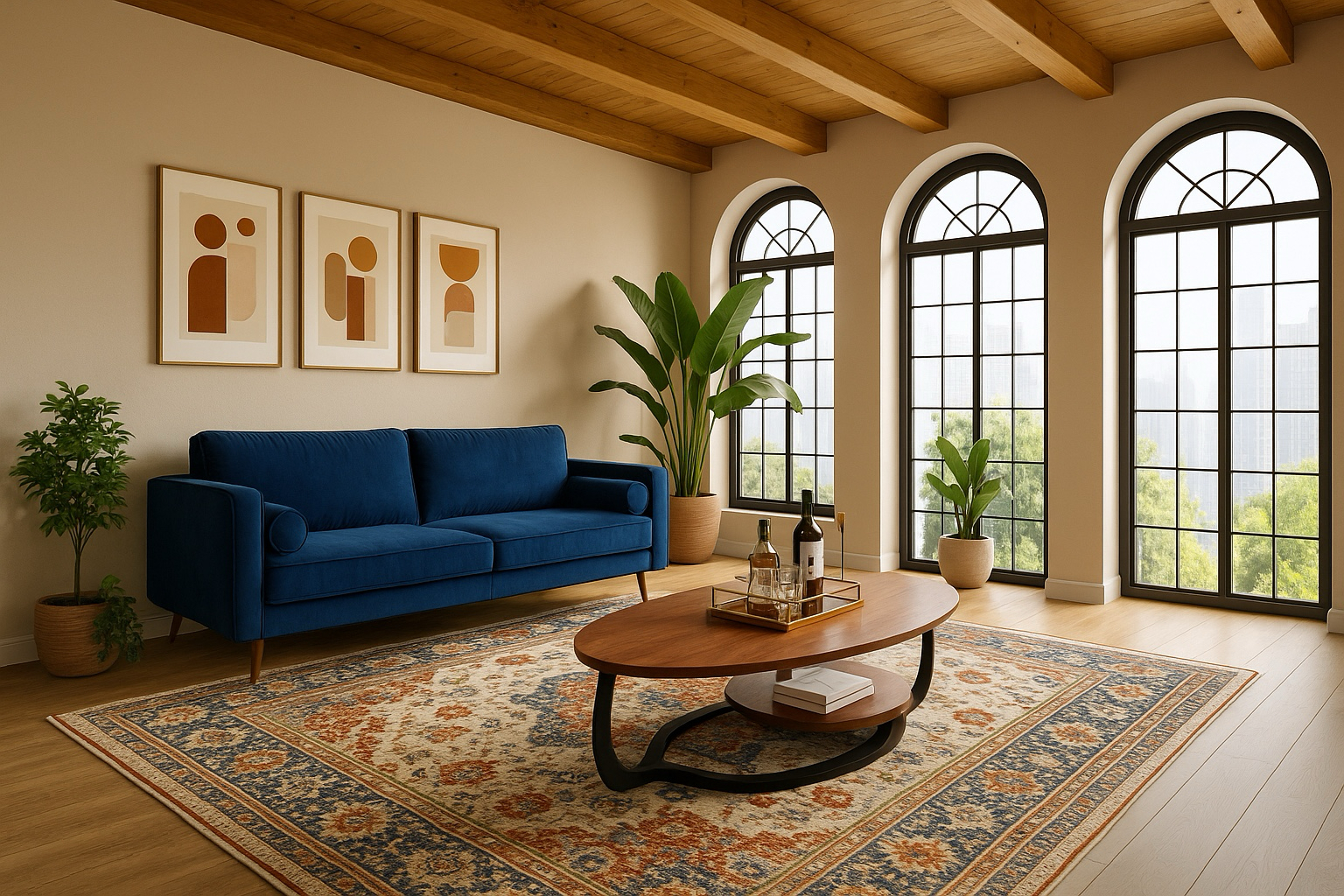 Try Edit
Edit
Change one thing, like the floor or the sofa, and leave the rest of the room alone.
Starts from a photo plus a short instruction · Paid plans
Try Edit Try Brush
Brush
Paint over an area and say what goes there, or remove it. Uses the same monthly edits as Edit.
Starts from a photo plus a painted area · Paid plans
Try Brush How Imagine works
Imagine
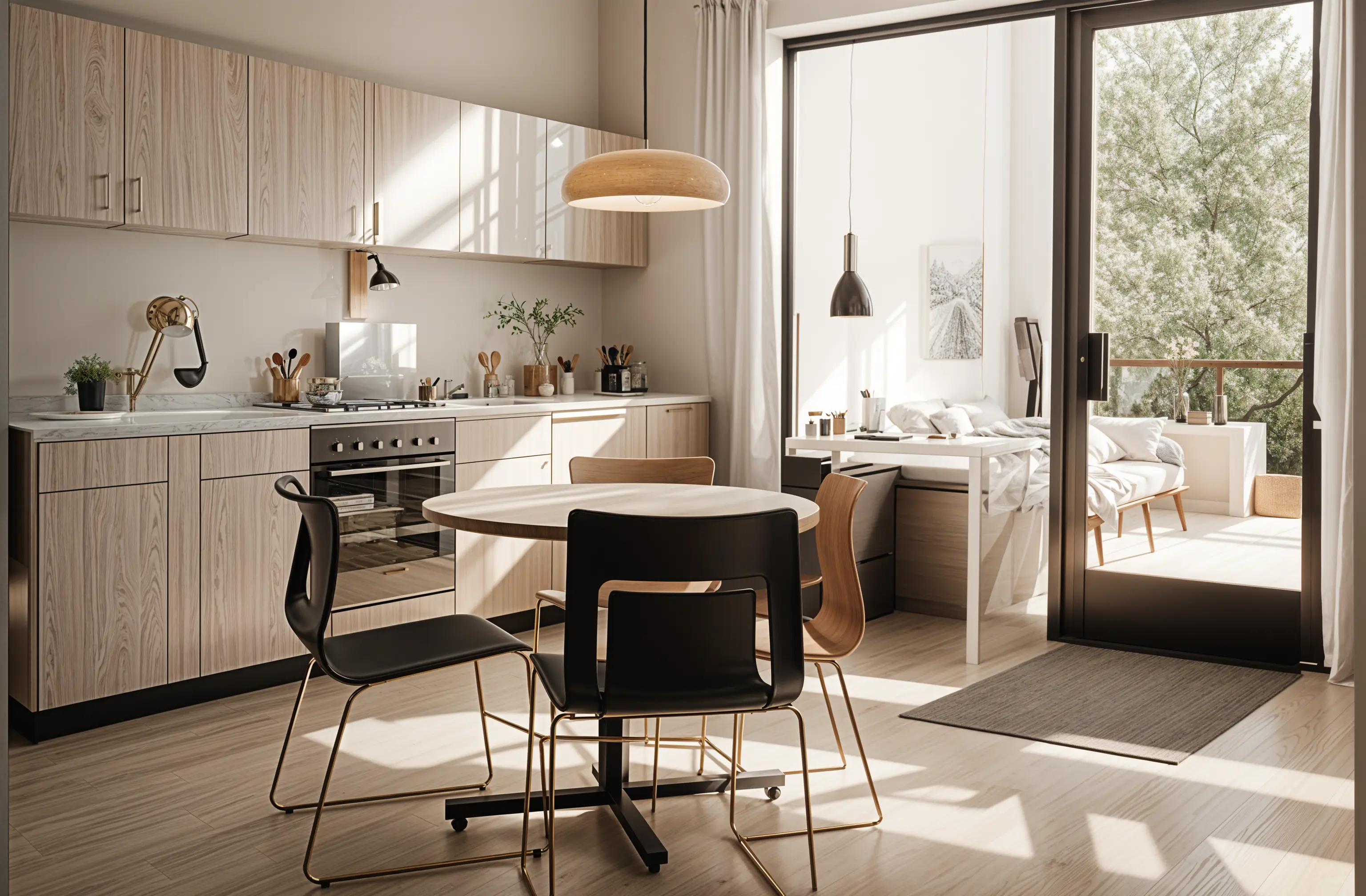
Explore an idea before you have a photo. The preview follows what you type.
Starts from a written description · Plus and Pro plans
How Imagine works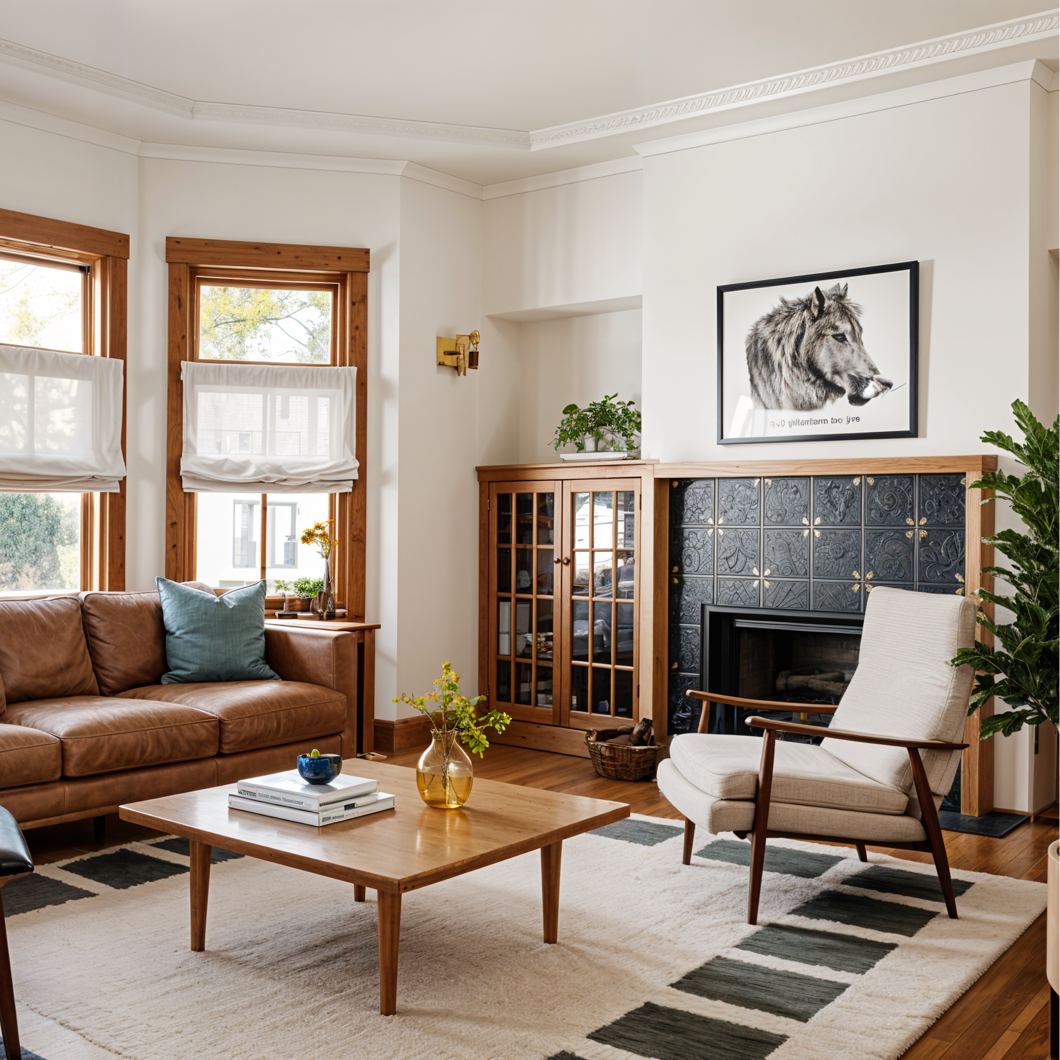 How Enhance works
Enhance
Sharpen and upscale a design or photo so it holds up when downloaded or printed.
Starts from a saved design or any photo
How Enhance works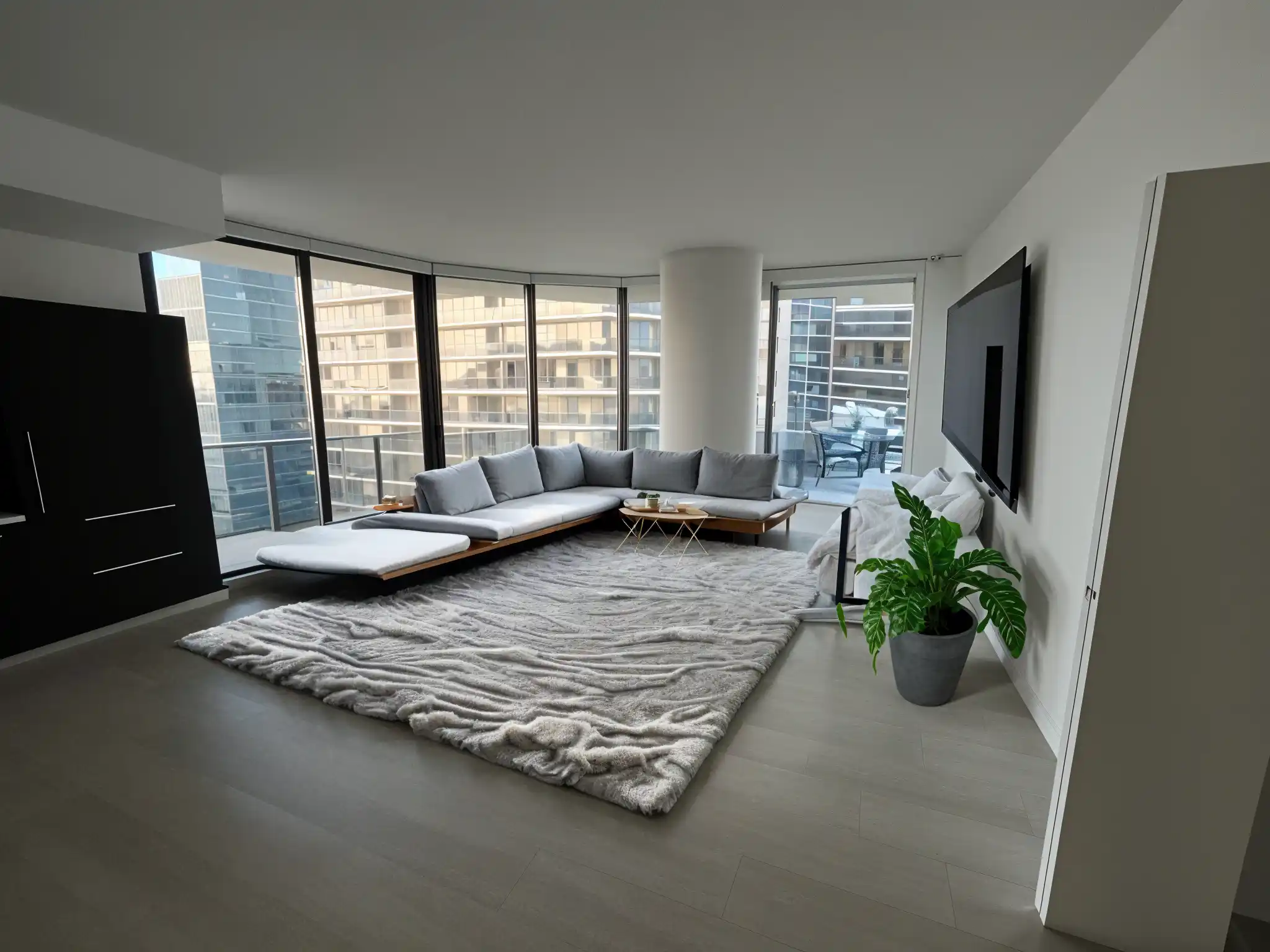 How Stage works
Stage
Furnish an empty room piece by piece, or brush away clutter with Clean.
Starts from a photo of the room
How Stage works
What these tools don’t do
Every design is a visual concept. None of the tools measure your space, produce floor plans or 3D models, or create construction drawings. Use them to choose a direction, then confirm sizes and details with a professional.
Not sure where to start?
Start with Remodel. Upload a photo of a room, pick a style and compare the design with the room you have now. Free to start.